


UNIT-DOSE & MULTI-DOSE POUCHES
Table Top Packaging
Unit-dose and multi-dose pouch packaging, with manual-loading and automated options.
Pharmacy automation that connects the right equipment, software requirements and everyday supplies—around the way you work.
For an owner, a director or a national chain, the right investment starts with a clear operational goal.
Explore your priorities

Reduce repetitive handling and redirect capacity toward patient services.
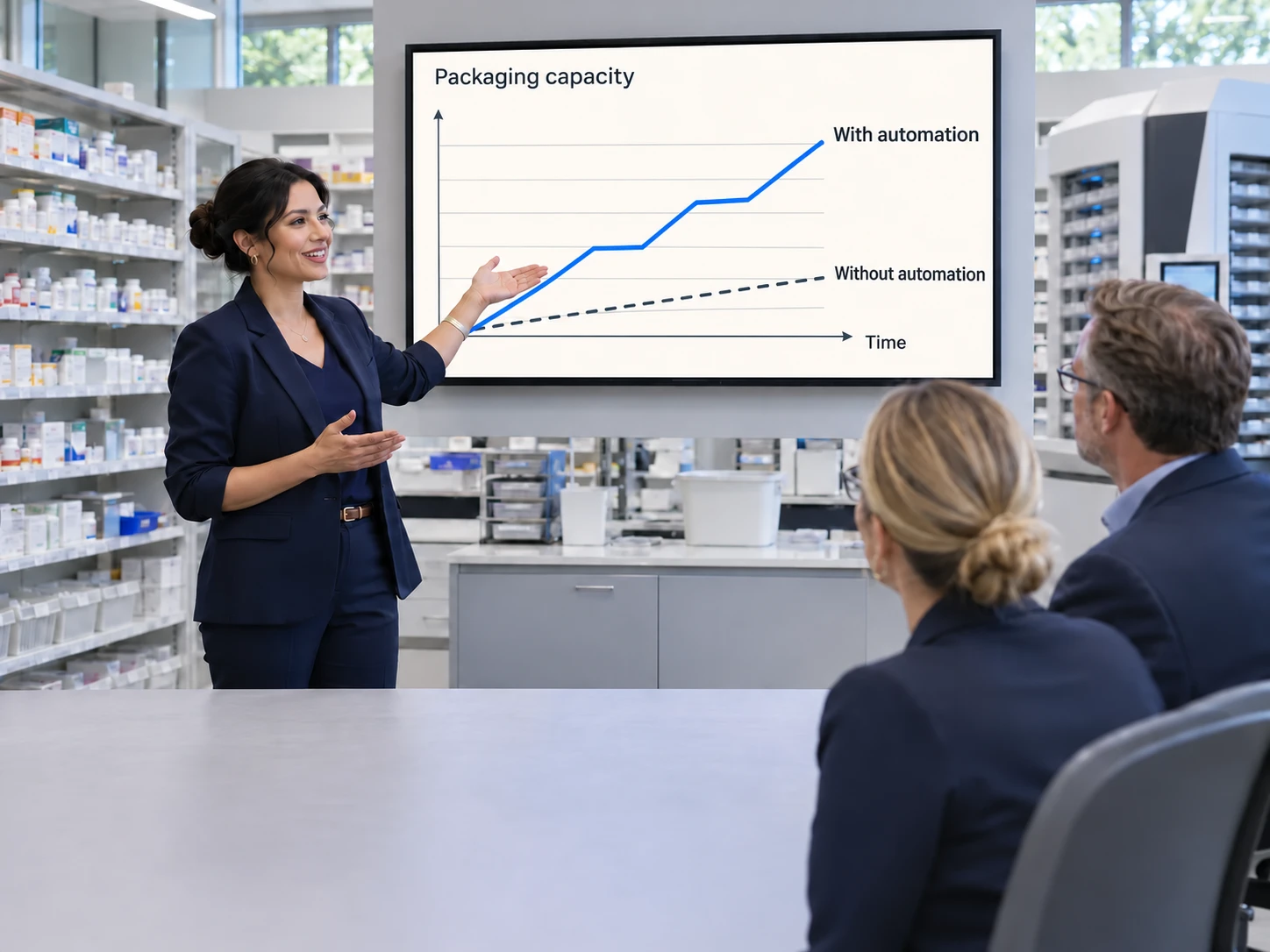
Compare capacity, space and a phased rollout before committing.
Illustrative chart: solid line with phased automation, dashed line without automation.

Evaluate equipment, labour, software, service and cost per pouch together.

Plan service, spare parts, consumables and a downtime workflow.
Your setting shapes the solution. Start with the work your team needs to do.

Explore pouch packaging and vial filling around your space, team and patient services.

Match pouch production to shared orders, peak demand and future growth.

Plan multi-dose pouches around dose times, medication changes and care-home deliveries.

Explore labelled doses around your medication list, barcode requirements and pharmacy software.
Your environment. Your priorities. A solution shaped around both.
Five questions. A clearer starting point.
A few details. A more focused shortlist.
Workload ranks suggestions. Confirm daily quantities, medication mix and installation requirements with MAXIS.
Preliminary suggestions, not a capacity or space-fit guarantee. Final selection considers your workflow, volume, formulary and available space.
From the first dose to the everyday details. Explore seven solution families built around your pharmacy’s work.
Unit-dose and multi-dose pouch packaging, with manual-loading and automated options.
Compact cassette-based pouch packaging with expandable capacity.
Cassette-based pouch packaging in space-saving and higher-capacity configurations.
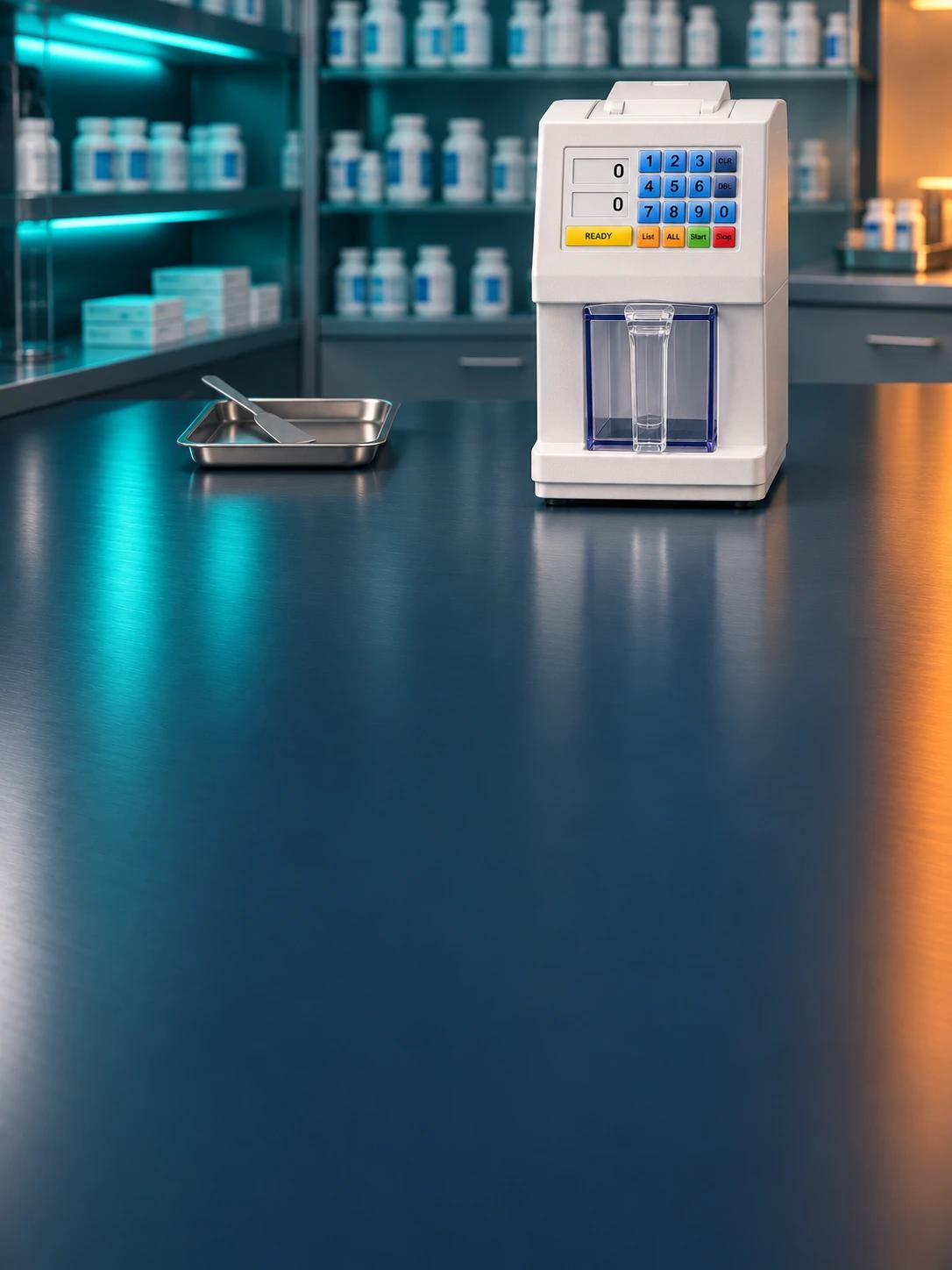
Semi-automatic tablet counting and prescription vial filling.
Tablet cutting and counting equipment for medication preparation.
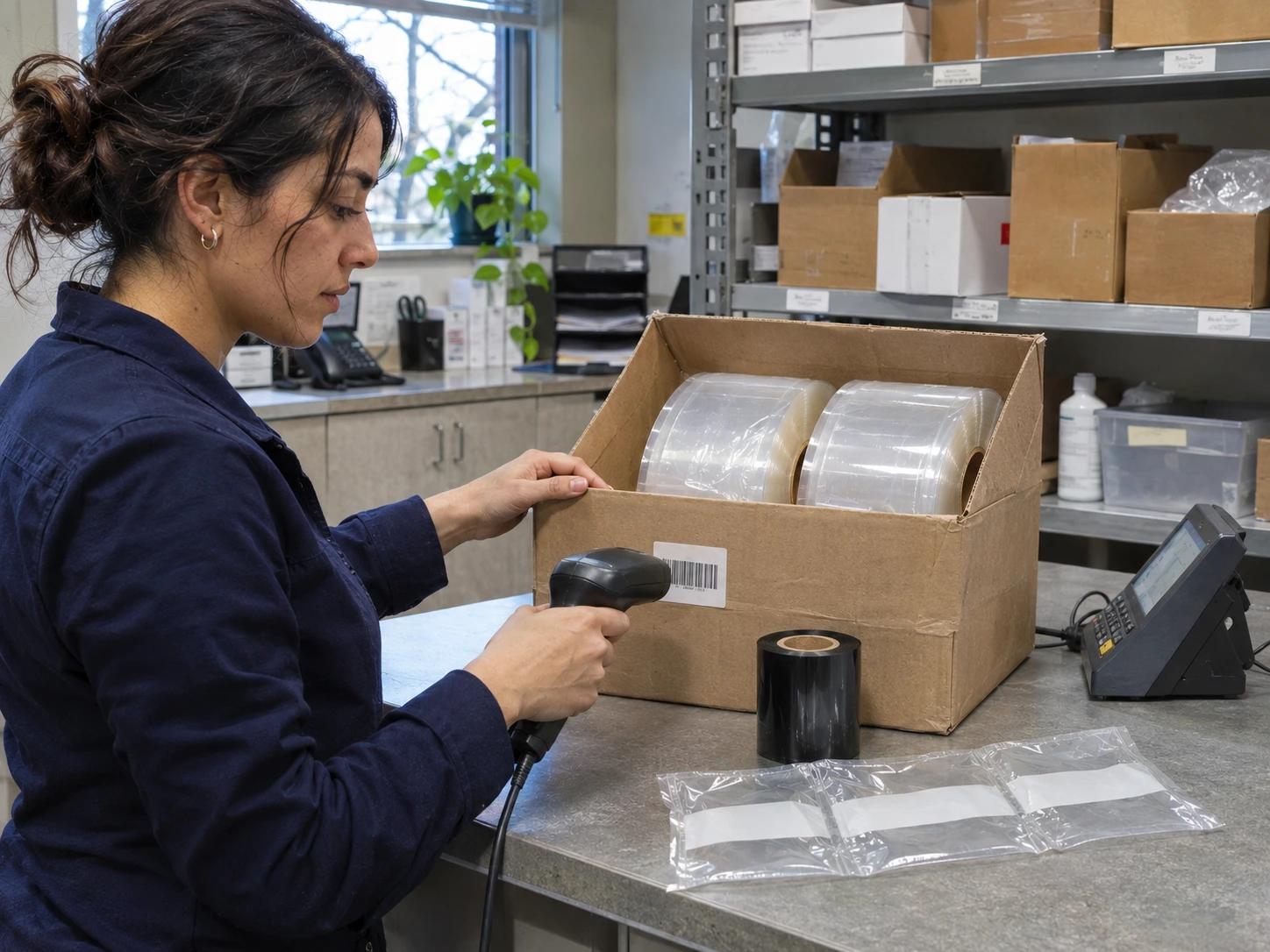
Packaging rolls and print ribbons matched to your equipment.
A packager is one part of a working pharmacy. Define the connections, people and supplies around it before installation.
Tell us your pharmacy software and version. Review interface availability, data fields, licensing, vendor involvement and test orders. Compatibility is assessed individually; universal integration is not assumed.
Define installation scope, operator training, cleaning, changeovers, exceptions and acceptance criteria in your project plan.
Request written coverage, response targets, escalation, preventive maintenance, parts, warranty exclusions and remote-access arrangements. Terms depend on the quoted system and service agreement.
Match rolls and ribbons to your model. Discuss minimum orders, shipping, shelf storage and a reorder buffer for production peaks.

See what automation could mean for your pharmacy.
Example figures · CAD · Make them yours.
Compare the same batch before and after. Include all remaining staff tasks.
Use your budget or quote. Enter only the change in yearly running costs.
Optional. Make the estimate closer to your plans.
At full operation. Includes time value, not all cash savings.
Compare the value of time with actual cash impact.
Only hours change by ±20%; other assumptions stay the same. These are sensitivity checks, not forecasts.
Time value = hours × days × loaded hourly cost. Cash labour benefit = time value × paid-cost reduction share. Add other savings and margin; subtract the running-cost change. Payback includes monthly ramp-up. ROI = cumulative net balance ÷ upfront cost. Present value discounts monthly benefits and costs at your annual rate.
Purchase model, before tax and financing. No automatic tax credits, inventory release, residual value, inflation or safety-related savings. Use quoted costs and observed workflow times. Avoid counting the same benefit twice.
See the workflow. Review the details. Know what you are investing in.

Test representative medications, labels and exceptions in a live demonstration.
Compare model specifications, documentation and sample pouches.
Set integration tests, operator readiness and acceptance criteria in writing.
Review equipment, warranty, service and consumables.
We wanted to see how automation would fit a regular day in our pharmacy. Walking through our own workflow helped us understand what would change for the team and what we should plan for before getting started.
Clear answers help you ask better questions before investing.
Compatibility depends on your software, version, interface permissions and system configuration. Share those details so the required vendors can confirm scope, costs and test criteria before purchase.
Ask for the service coverage, remote support process, parts lead times and escalation route in your quotation. Plan an alternative dispensing workflow; response times and uptime are not guaranteed by this website.
Use a demonstration, documented specifications, a clear acceptance plan and written commercial terms. Ask about available references, without treating overseas technology use as a Canadian Maxis customer endorsement.
Discuss a pilot and phased rollout. Equipment fit, training, software interfaces and economics should be assessed for each location. Financing or lease options, if available, require a separate quotation.
No. Clinical review, medication suitability, verification and local procedures remain essential. Barcode readability and automated inspection of pouch contents are separate capabilities; confirm exactly what is included.
Tell us what is slowing your team down. Start with a workflow assessment, a demonstration or a consumables enquiry.