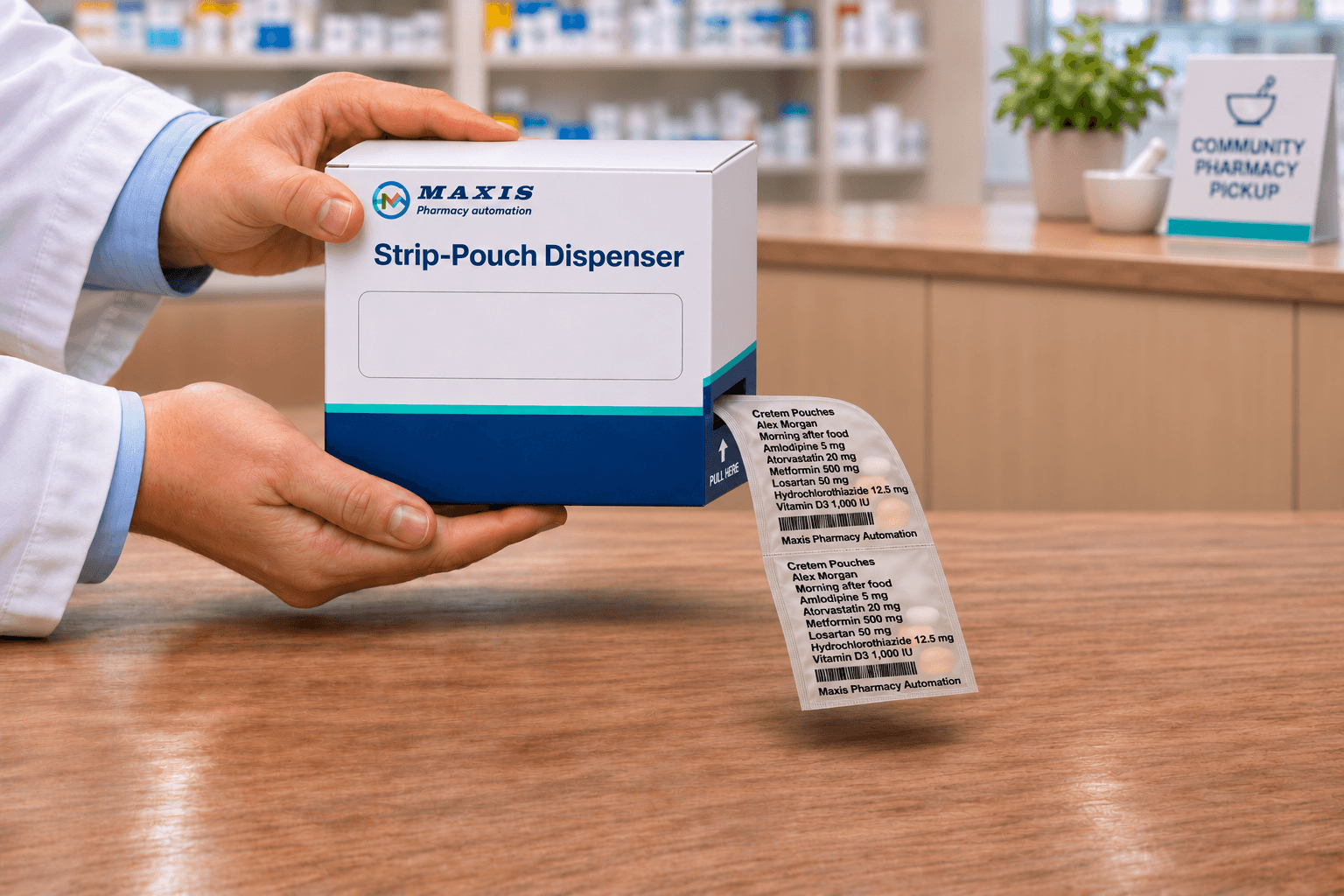
Your pharmacy software, packaging equipment and people need a plan for working together. We help you map the connections—and the everyday work around them.
Start with its name and version. Then review the available connection with MAXIS, your software provider and the equipment you’re considering.
KrollSoftware review
FillwareSoftware review
PioneerRxSoftware review
BoxLabSoftware review
The exact software version, equipment model and configuration determine compatibility. HL7, custom APIs and file transfers are options to review.
WHAT WE CONFIRM TOGETHER
A connection you can plan around.
01Your systems and data
Identify pharmacy software versions, equipment models and required prescription, patient, administration, batch and barcode fields. Review label content and access permissions with your providers.
02Interfaces and responsibilities
Confirm the available interface or file transfer. HL7 and custom APIs may be options. Agree on update timing, who owns each handoff and whether job status or errors can return to your software.
03Changes, exceptions and downtime
Define who handles medication changes, rejected messages, duplicate orders and interrupted jobs. Agree on verification, rework, release records and a reconciled backup process.
04Acceptance before go-live
Validate sample orders from intake to release, including corrections and rejected work. Agree on acceptance criteria and sign-off with pharmacy, equipment and software teams.
Agree on the fields, responsibilities and acceptance checks before the first live order.
THEN, THE EQUIPMENT
Which packaging path are you planning?
The selected model shapes the interface and the work around it.
For CRETEM cassette-based production, review adherence, central-fill or resident-specific workflows. For Unidoses Smart Pack oral-solid unit-dose packaging, confirm barcode, feeding and strip handling options. If using both platforms, map barcode and data handoffs, including manual steps. Direct links and compliance with hospital equipment specifications require model-specific confirmation.
FOLLOW THE MEDICATION
From the first order to the final handoff.
The data connection is one step. Plan how doses are packaged, checked and passed to the next person, with staff responsibilities clear throughout.
THE DOSE FORMAT
Package around the prescription.
Patient-specific pouches for scheduled doses, or unit-dose packs for hospital stock.
Plan prescription intake, replenishment, label printing, filling, sealing and batch handling around your team and medication mix.
Your workload, medication mix and care setting shape the plan. Choose your setting to see what we’ll talk through.
YOUR PHARMACY
Make room for a growing adherence service.
Start with weekly pack volume, peak days, counter space and the software you already use. Compare a phased setup with a larger rollout.
Changes before pickup
Map urgent orders, prescription changes and rework so staff can identify which packs need attention.
Patient and caregiver use
Review administration times, label readability and how your team explains the pouch strip at pickup.
Space, cleaning and refills
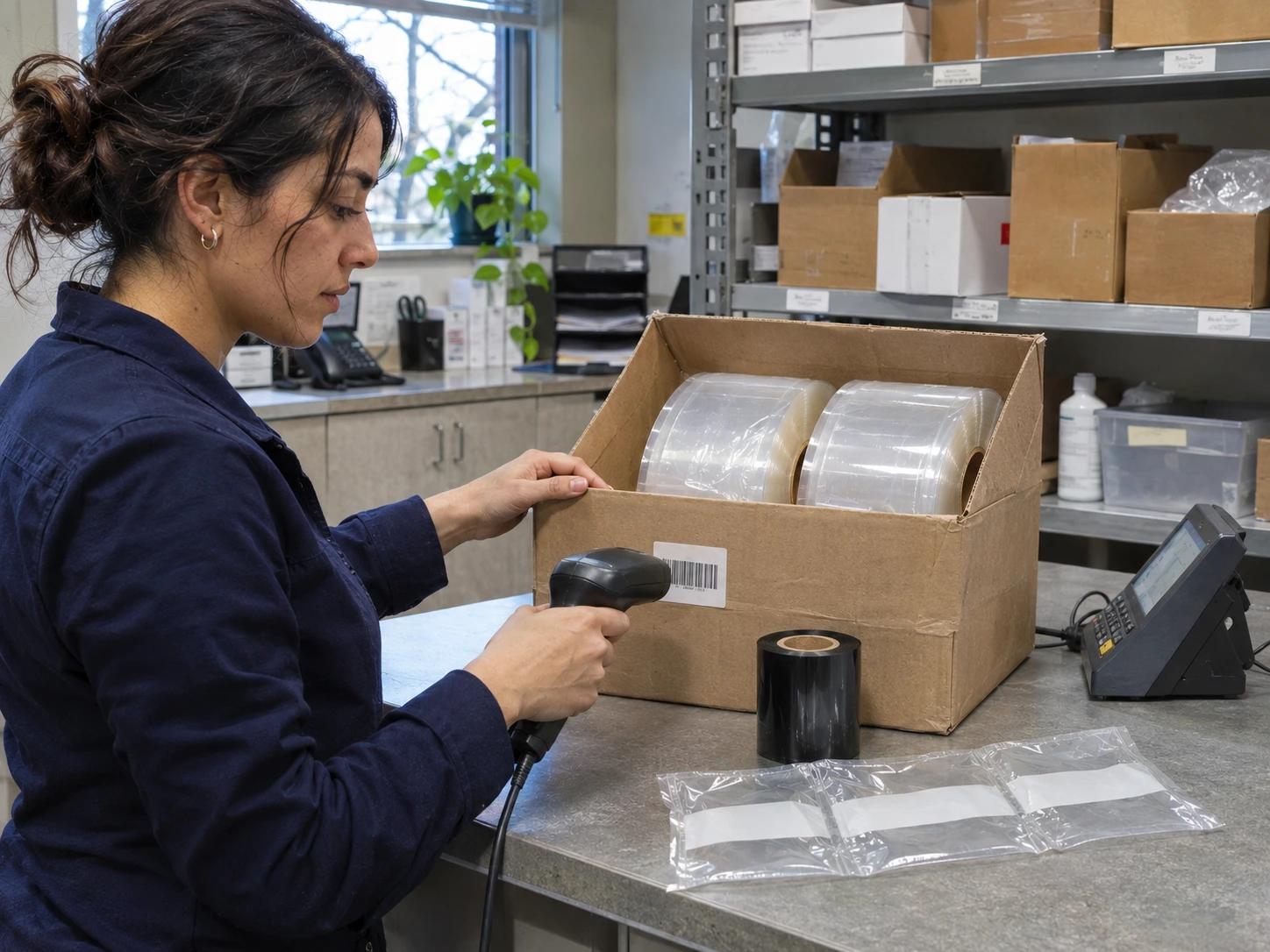
Check counter space, cassette replenishment, cleaning access and storage for film and labels.
Cost and continuity
Plan equipment, consumables, training and service costs alongside a backup process for maintenance or outages.
Keep resident packs and changes in step.
Review how resident-specific pouch packs are prepared, checked and delivered, including changes that arrive after a batch has started.
Resident and dose details
Agree on the fields and administration times used to organise resident-specific batches.
Changes and delivery
Assign responsibility for amended orders, affected pouches and delivery handoffs.
Care-team handoff
Assess medication-cart and electronic medication administration record handoffs with the care provider.
Keep each pharmacy’s work in view.
Map the movement of orders from multiple pharmacies into production batches, then back to the location receiving the finished medication.
Order intake
Identify the originating location and agree on the prescription or batch information needed for production.
Rejected work
Define who handles incomplete orders, corrections and rework before a batch is released.
Dispatch confirmation
Agree on staging, dispatch records and what confirmation can return to the originating pharmacy.
Connect production to the ward handoff.
Bring pharmacy, nursing, facilities and hospital IT into the review. Review unit-dose stock and batch records, patient-specific doses, barcode checks and ward handoffs.
Production and verification
Review packagers, electronic pouch inspection and winding or cutting equipment against your project specification.
Supporting IT
Plan operator workstations, monitors, an approved server arrangement, UPS protection, network access and report printers.
A workable room
Allow for replenishment benches, cleanable furniture, secure storage, shelving, staging carts and waste handling.
Planning a hospital automation room?See the supporting equipment and room checklist
Production & checking
Packaging units matched to the project’s dose formats, capacity and speed requirements
Electronic inspection requirements: quantity, colour, shape, size and pouch sequence
Compatibility between packaging, verification, winding and any cutting equipment
IT & power
Packaging and verification workstations, monitors and report printing
Hospital-approved network and server arrangement for maintenance and diagnostic access
UPS protection for the agreed workstations and server
Furniture & supplies
Cleanable preparation and service benches; workstation desks and task chairs
Secure cabinets, film and label shelving, totes and staging carts
Cleaning access, waste handling and any approved standing mats or document stations
Final quantities, dimensions and equipment requirements follow your project specification, room layout and hospital policies.
A CLEAR PATH TO GO-LIVE
A good installation starts before delivery.
Agree on the site, test the workflow and prepare the people who will use it. Set milestones around equipment availability and any planned downtime.
Prepare the team as well as the equipment.
01
Prepare your site
Confirm delivery access, working space, power and network needs. Assign each site-preparation task before installation.
02
Connect and test
Configure the equipment and agreed software connections. Test sample orders, labels, barcode readability, changes, rejected work and duplicate messages.
03
Train your team
Train operators and supervisors in daily setup, refills, cleaning, verification and downtime procedures. Agree on sign-off, ownership and help contacts.
Beyond the first live batch.
KEEP THE NEXT BATCH IN MIND
Plan support before you need it.
Know who to contact, which supplies to reorder and what your service agreement covers. Make maintenance and training part of the plan from the start.
Technical help and escalation
Confirm support hours, response targets, escalation contacts, remote troubleshooting, on-site service and warranty coverage in your proposal.
Maintenance and spare parts
Agree on preventive maintenance, routine checks, spare parts and who is responsible for each task.
Film, ribbons and labels
Confirm compatible consumables, the reorder process and expected lead times, together with the ongoing costs of running your equipment.
Training as your team changes
Plan refresher training for new staff, changed workflows or additional equipment. Ask about any software fees and additional service visits.
Compatibility, changes, downtime and costs—the questions worth asking early.
Will it work with our pharmacy software?
Share the software name and version, equipment model and data you need to exchange. MAXIS can review the available interfaces or file transfers with your providers. Compatibility and the test plan need to be confirmed for your configuration.
Does every system use HL7 or an API?
The available connection may use HL7, a custom API, an agreed file transfer or another supported interface. Confirm the method, required fields and responsibilities with the software and equipment providers.
Do we need to replace our existing equipment?
Bring your equipment list and current workflow. Review which steps can stay, where a manual or barcode handoff is appropriate, and which proposed connections need testing before deciding what to replace.
How are prescription changes and rejected pouches handled?
Agree on who receives changes, how staff identify affected orders, and who reviews, reworks or releases a pouch. Include changed orders, rejected messages, duplicates and interrupted jobs in the acceptance test.
How long will installation take?
Timing depends on equipment availability, site readiness, interfaces and acceptance testing. Agree on milestones, responsibilities and any planned downtime when reviewing the proposal.
Who should attend training?
Include operators, staff responsible for replenishment and cleaning, the team that checks or releases doses, and the person responsible for exceptions and support escalation.
What happens if equipment or software goes offline?
Agree on a backup workflow, escalation contacts and how to reconcile interrupted orders before restarting. Confirm remote and on-site support, hours, response targets and warranty coverage in your service agreement.
What should we budget for after installation?
Ask for a breakdown of compatible film, ribbons and labels, preventive maintenance, spare parts, software fees where applicable, and additional training or service visits.
START WITH YOUR PHARMACY
Let’s connect the right pieces.
Bring your software and version, equipment list, pharmacy setting and packaging volumes. We’ll start with the step you want to improve. Please omit patient-identifying information.
YOUR NEXT CONVERSATION
A workflow review, with your team in mind.
Explore equipment and layout, interfaces and staff handoffs, demonstration and acceptance checks, then training, service, parts and consumables.